
In ABA-ASSISTANT, a manager is a person with a duty to visualize the objectives, programs, graphics, and documents of the case.
To create a manager:
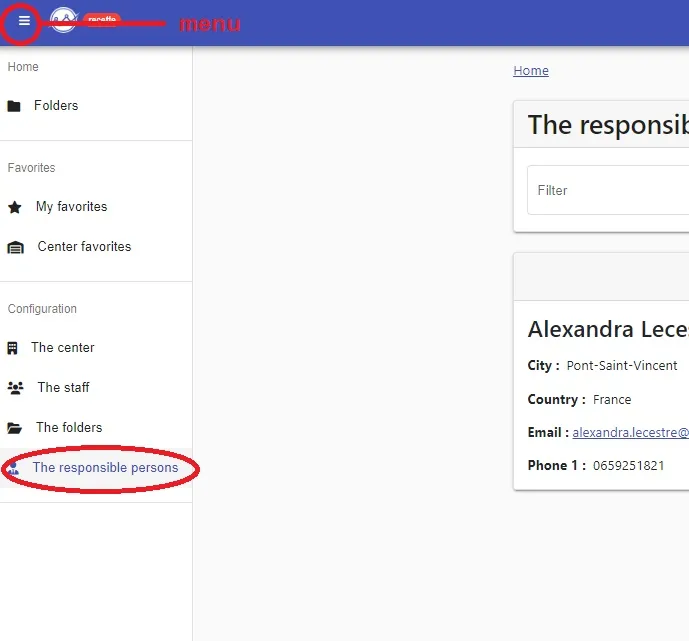
1- In”Menu”
2- Click on “The responsible persons”
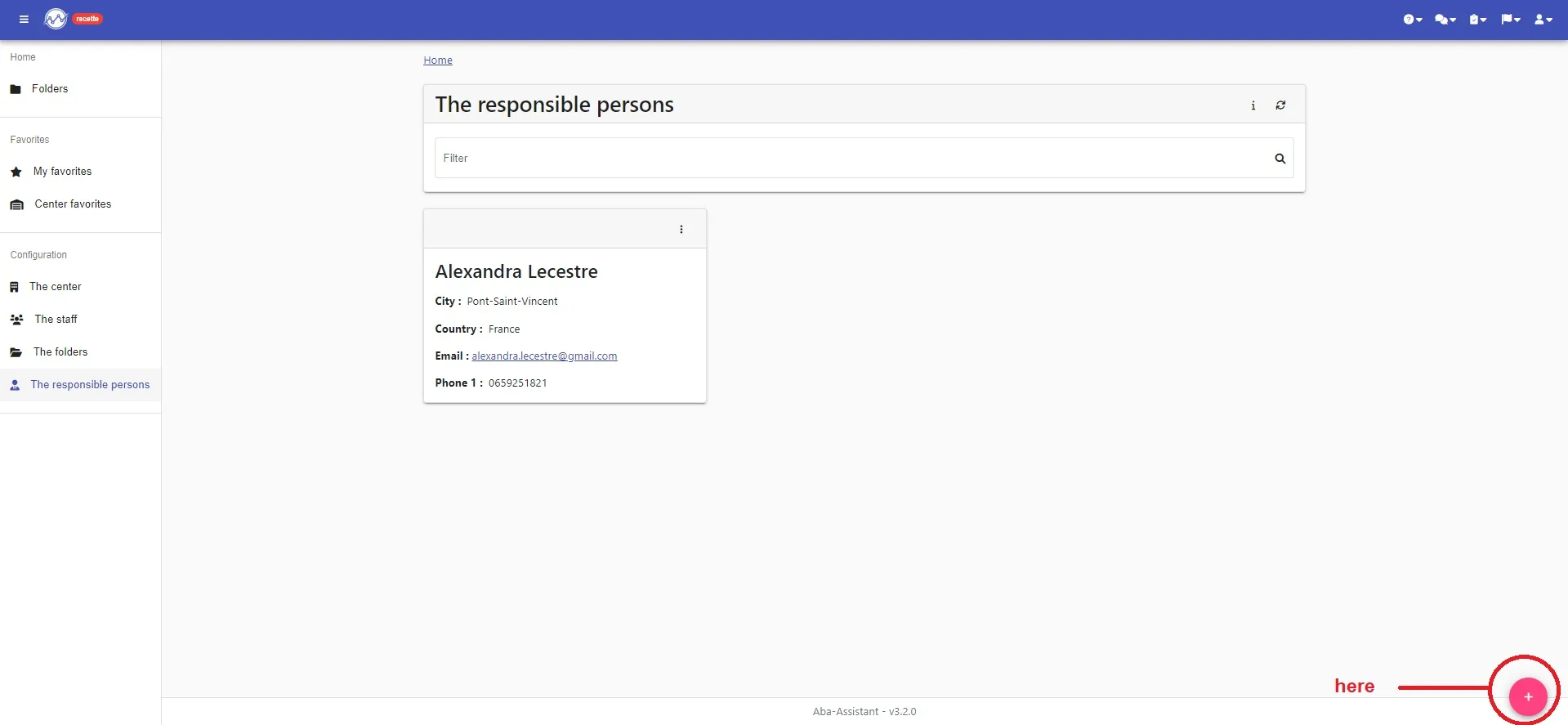
3- Click on “+” at the bottom right
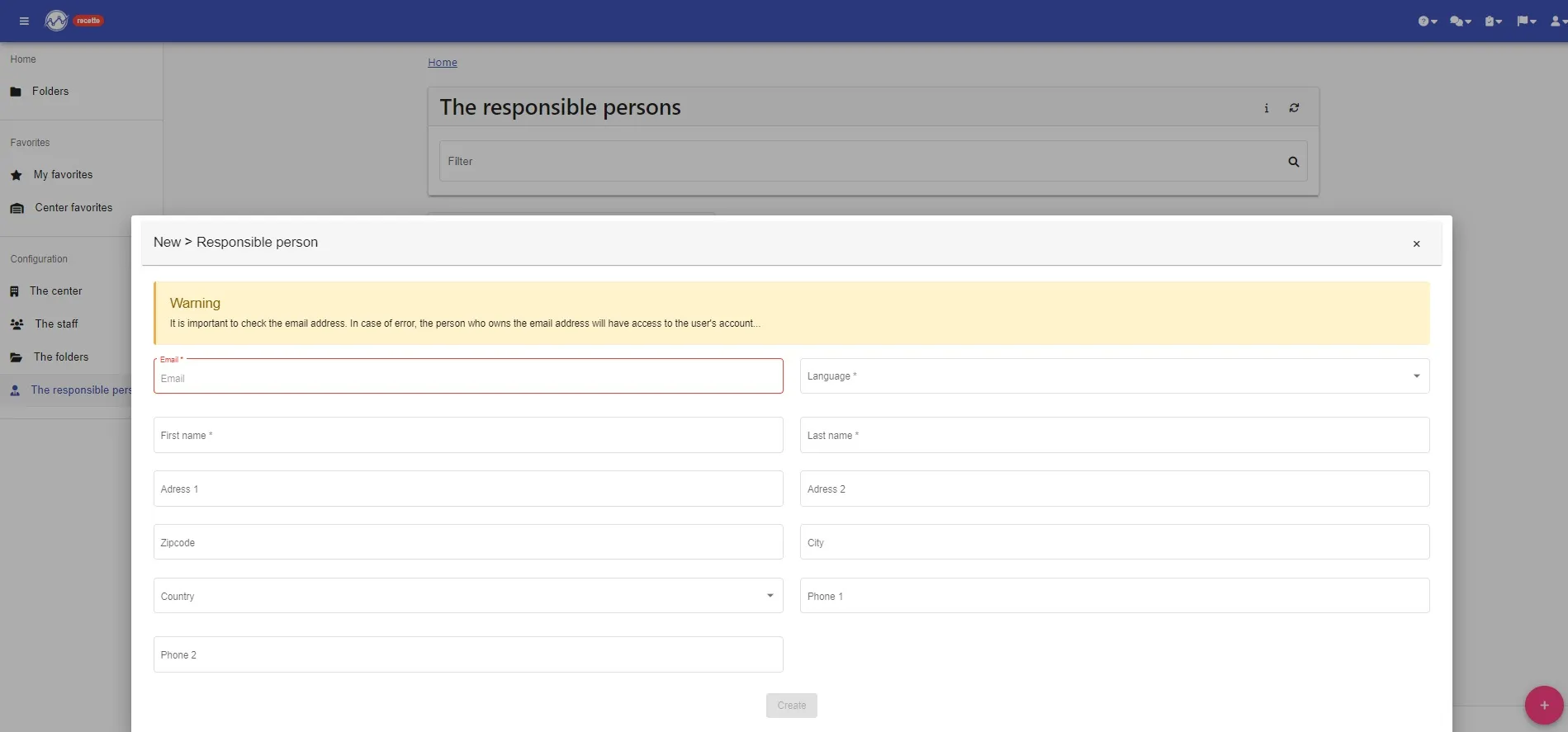
4- Fill in the various fields (BE CAREFUL to note the email address!)
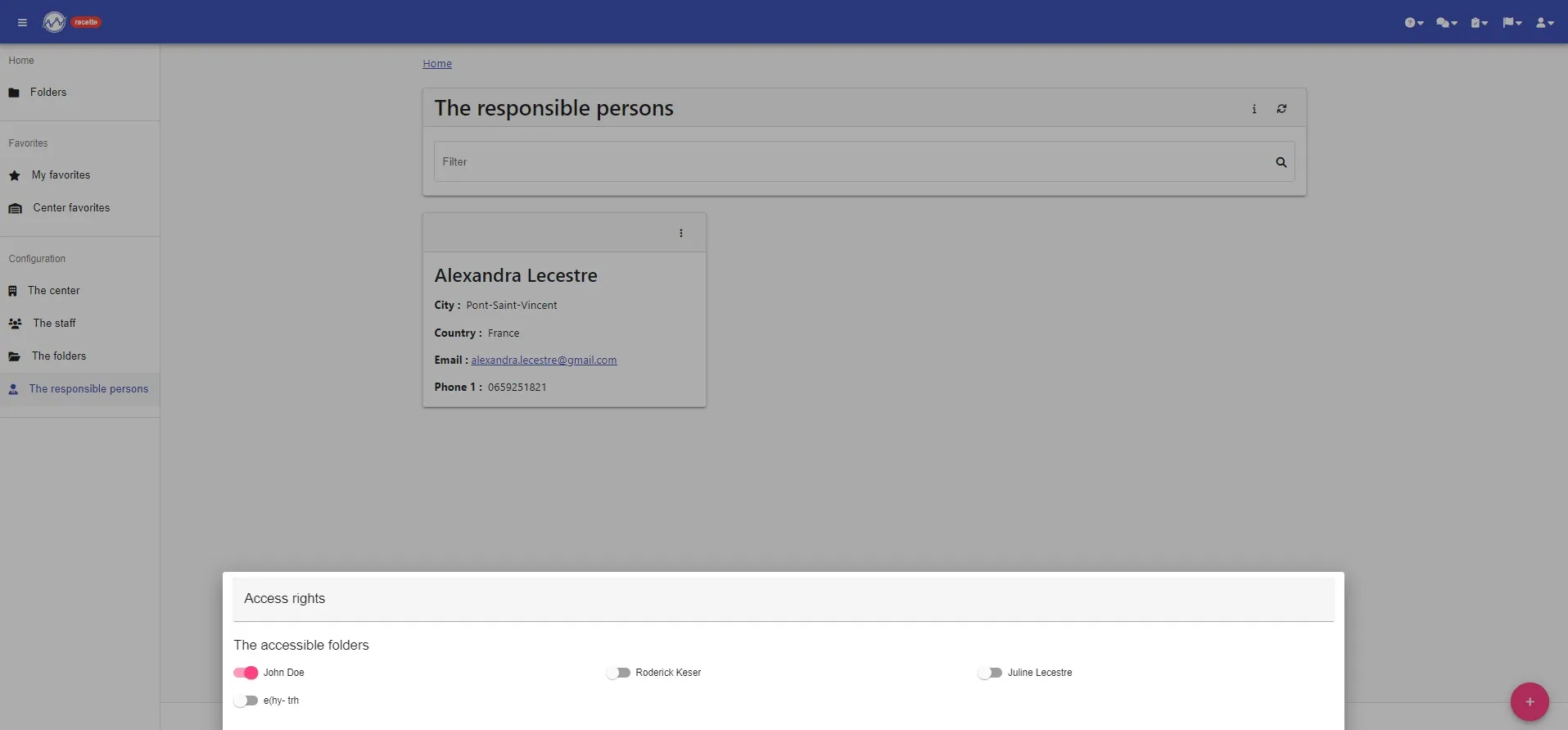
5- Assign him folders to which this responsible person will have access
YOUR RESPONSIBLE PERSON IS CREATED !!!!
She/He will receive an email to create her/his password on the platform, if the link is no longer valid, she/he can go directly to the platform and click “Forgot password?”