
In ABA-Assistant, a “Folder” is the place where the various objectives, programs, data, graphics, documents, etc. are stored.
To create a folder:
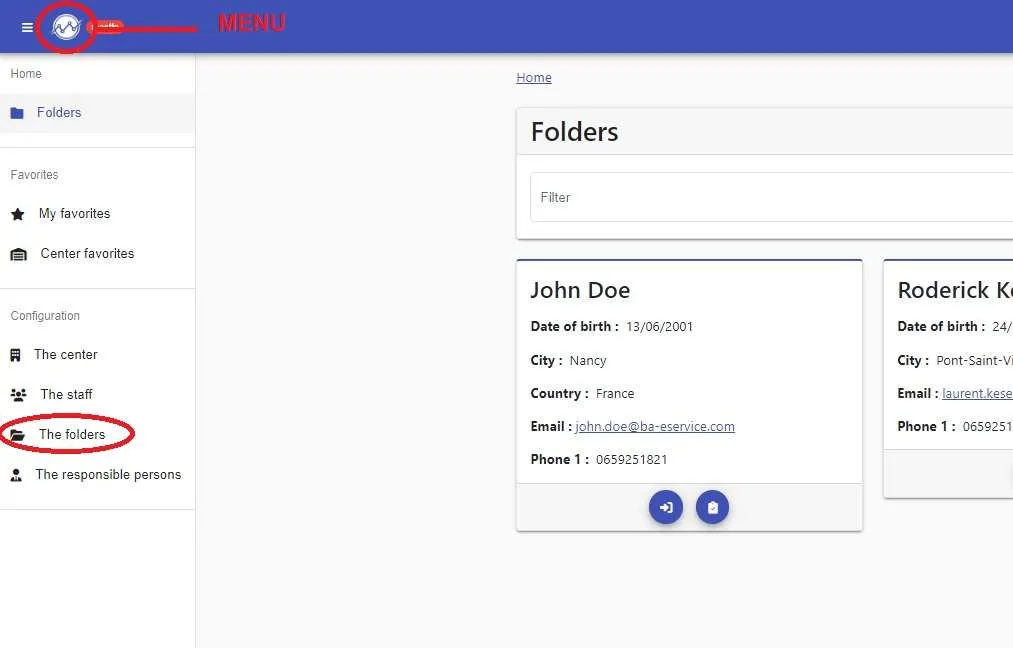
1- Go to “Menu”
2- Click on “The folders”
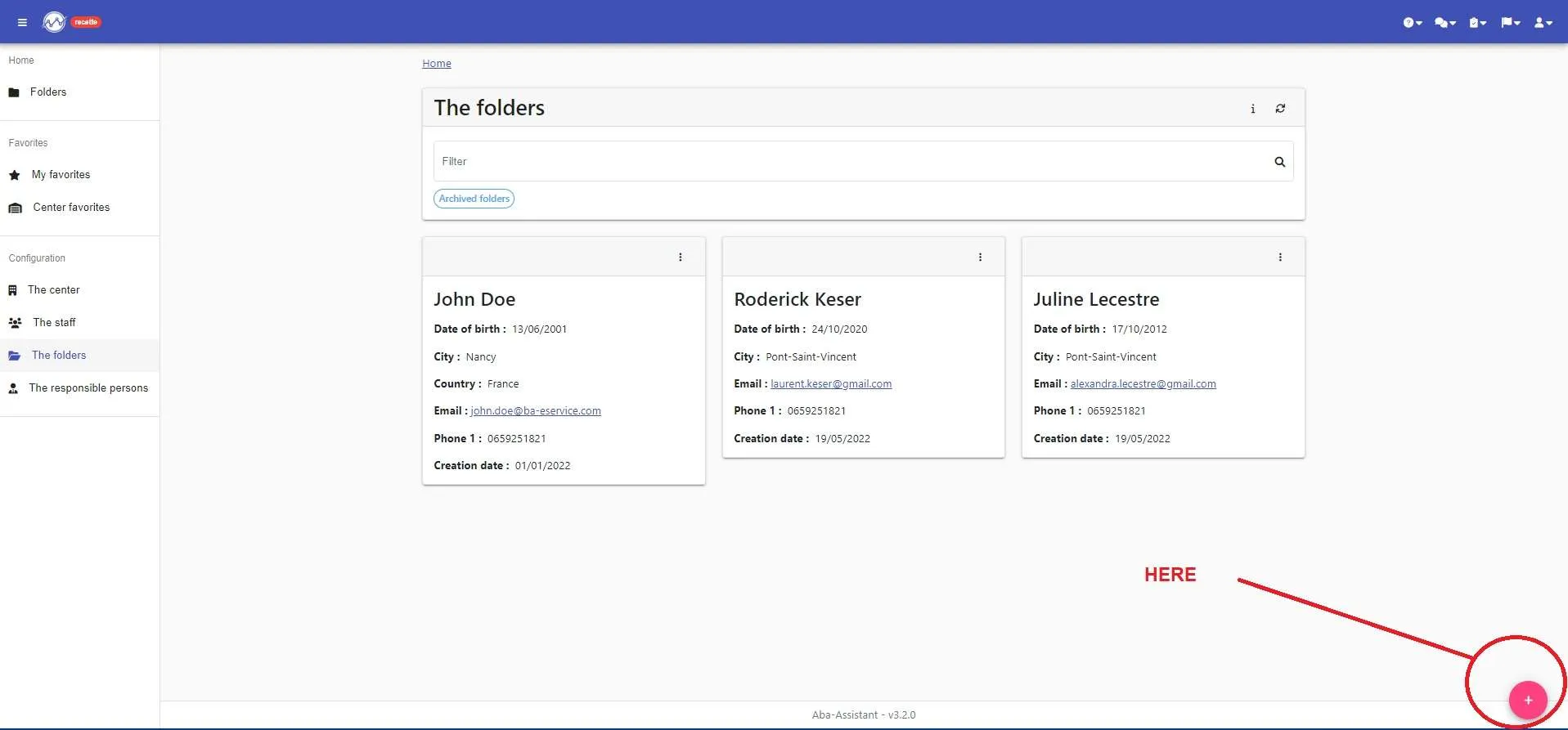
3- Click on the pink “+” at the bottom right of your screen
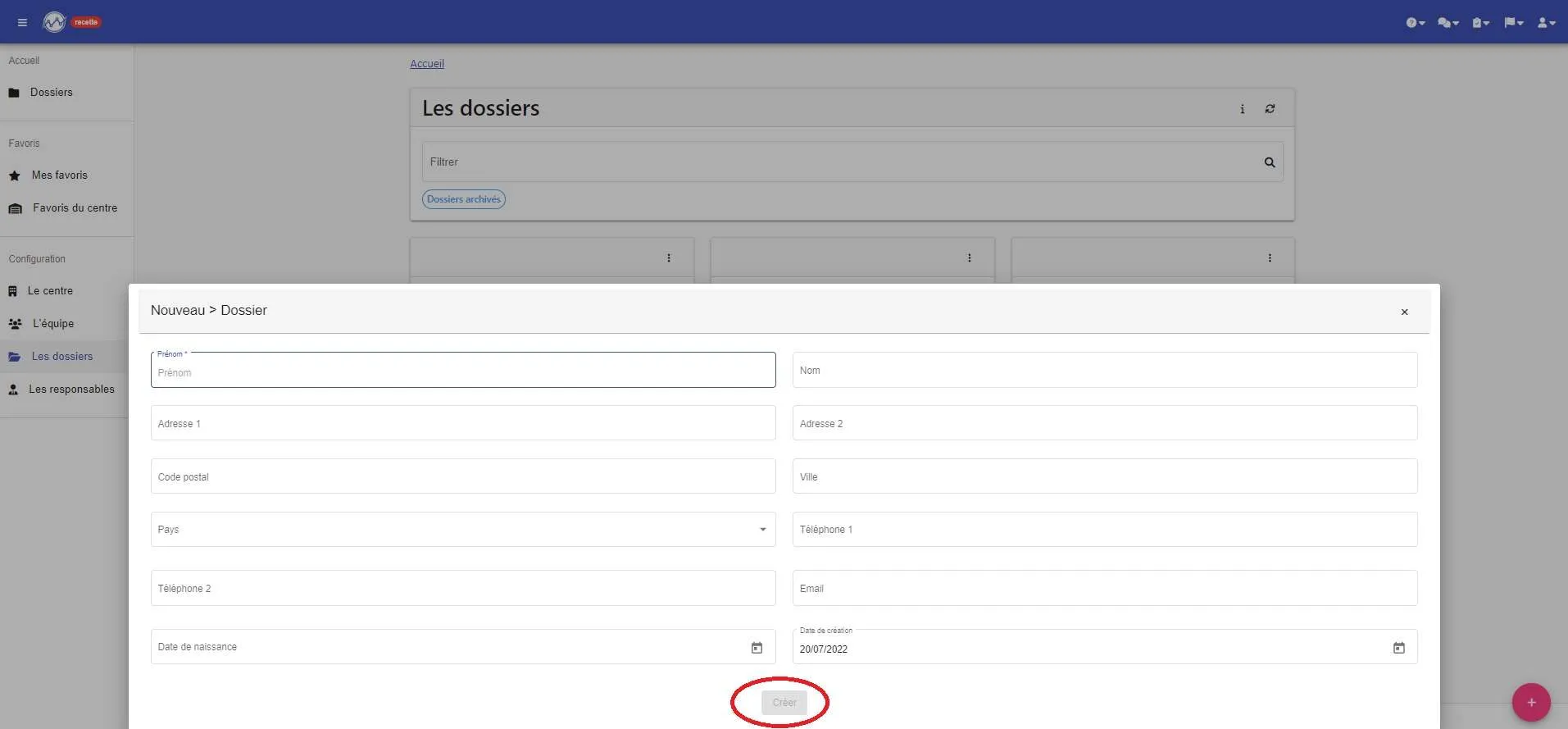
4- Fill in the various fields and click on “create”
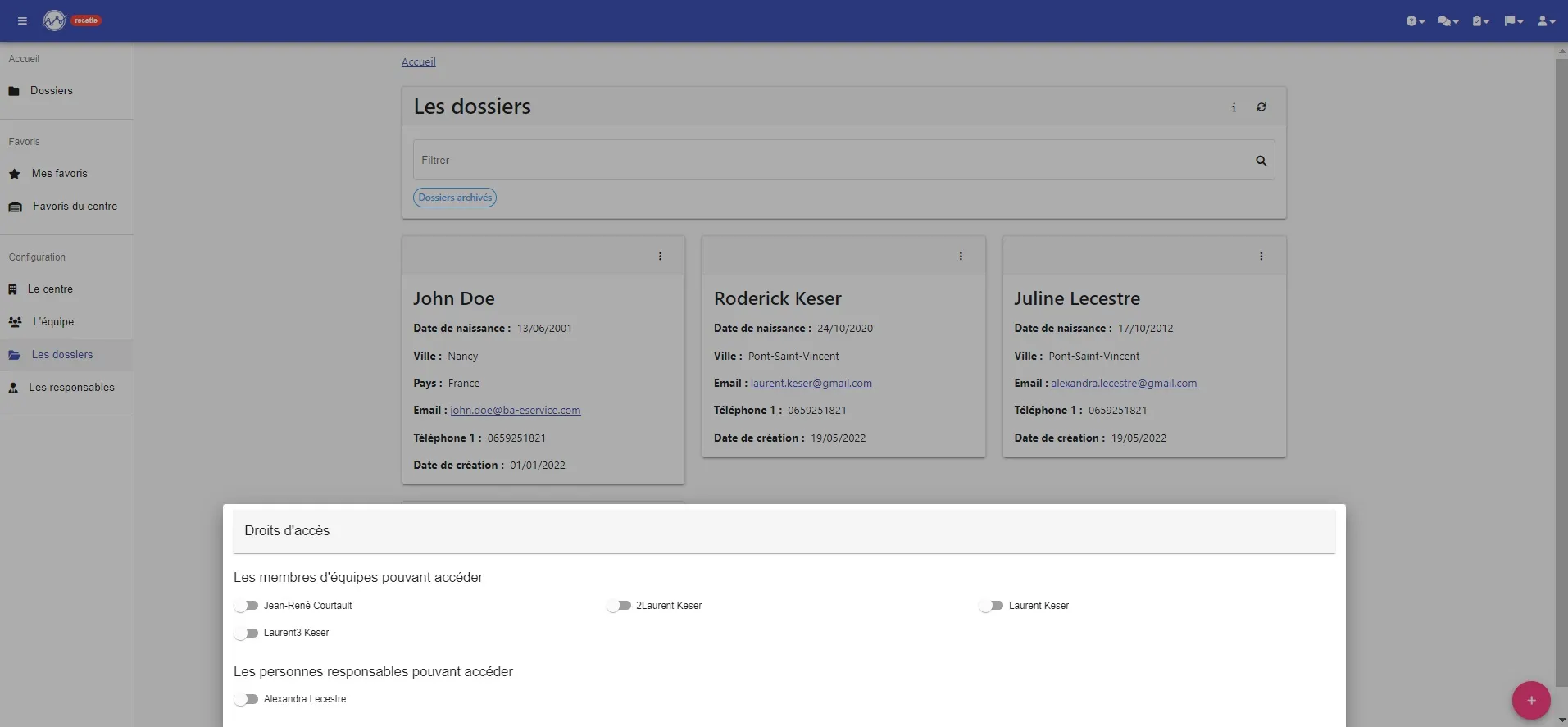
5- Assign the professionals who can access this folder (their possible actions will depend on the rights you have assigned to them on their professional profil) as well as the “responsible persons” who will have the right to see the document, objective, program, and graphs. To do this, simply activate the switches next to the name.
YOUR FOLDER IS CREATED !!!!
You just have to add your goals, programs, documents …