
Once the data is in the platform, you can:
- export the data sheet in pdf
delete the session if necessary (48h for technicians – all sessions for the data manager) - modify, delete, add data to the session (48h for technicians – all sessions for the data manager)
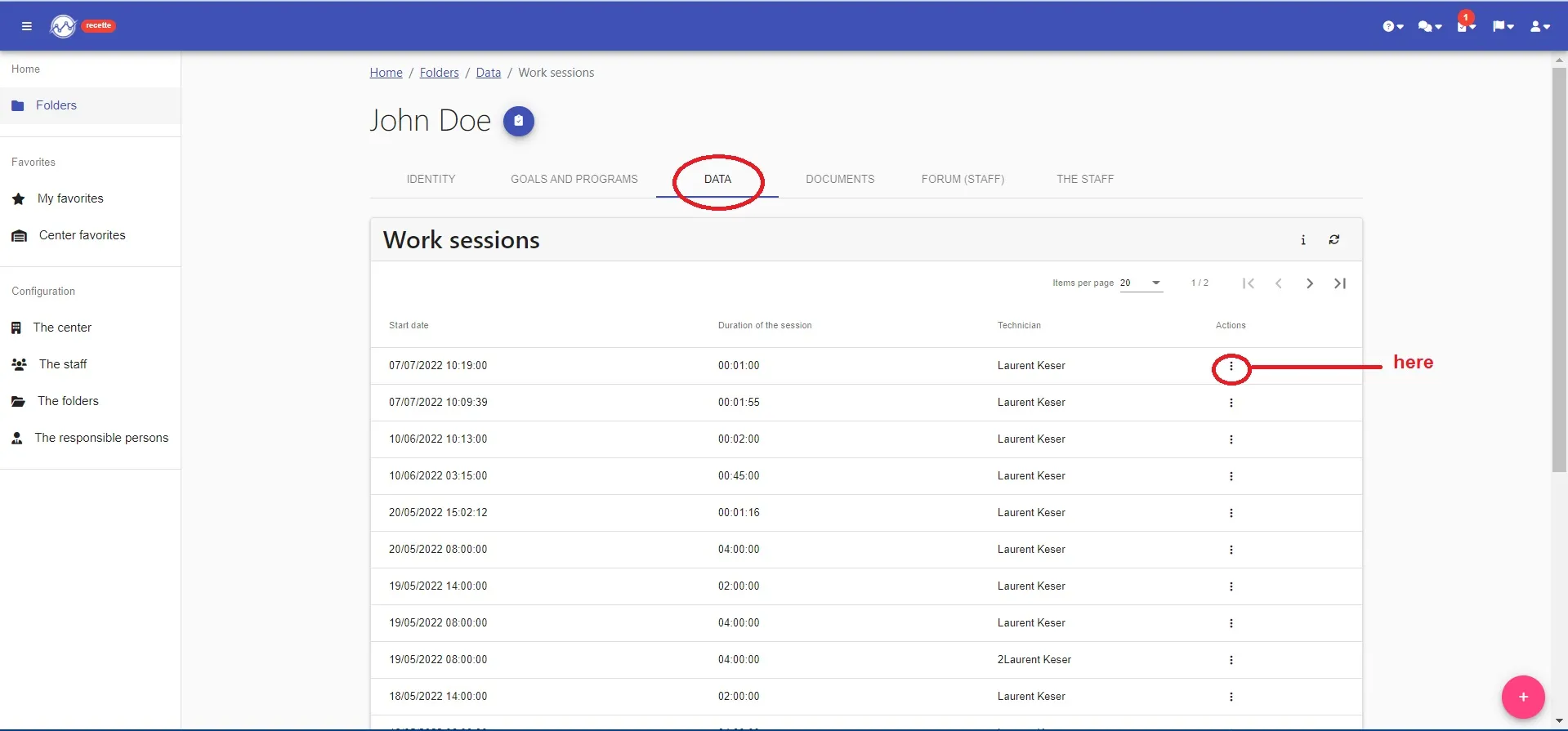
- To do this, simply go to the “data” tab of your file and then click on the three small dots in front of your session.
YOUR DATA ARE CORRECT !!!!
You can now visualize your graphs with the right data and check the effectiveness of your programs