
ABA-assistant offers the possibility of copying goals and programs to paste them into another folder. This allows you to quickly duplicate goals (with all associated programs) or your programs to paste them into another folder and then adapt and individualize them as you wish.
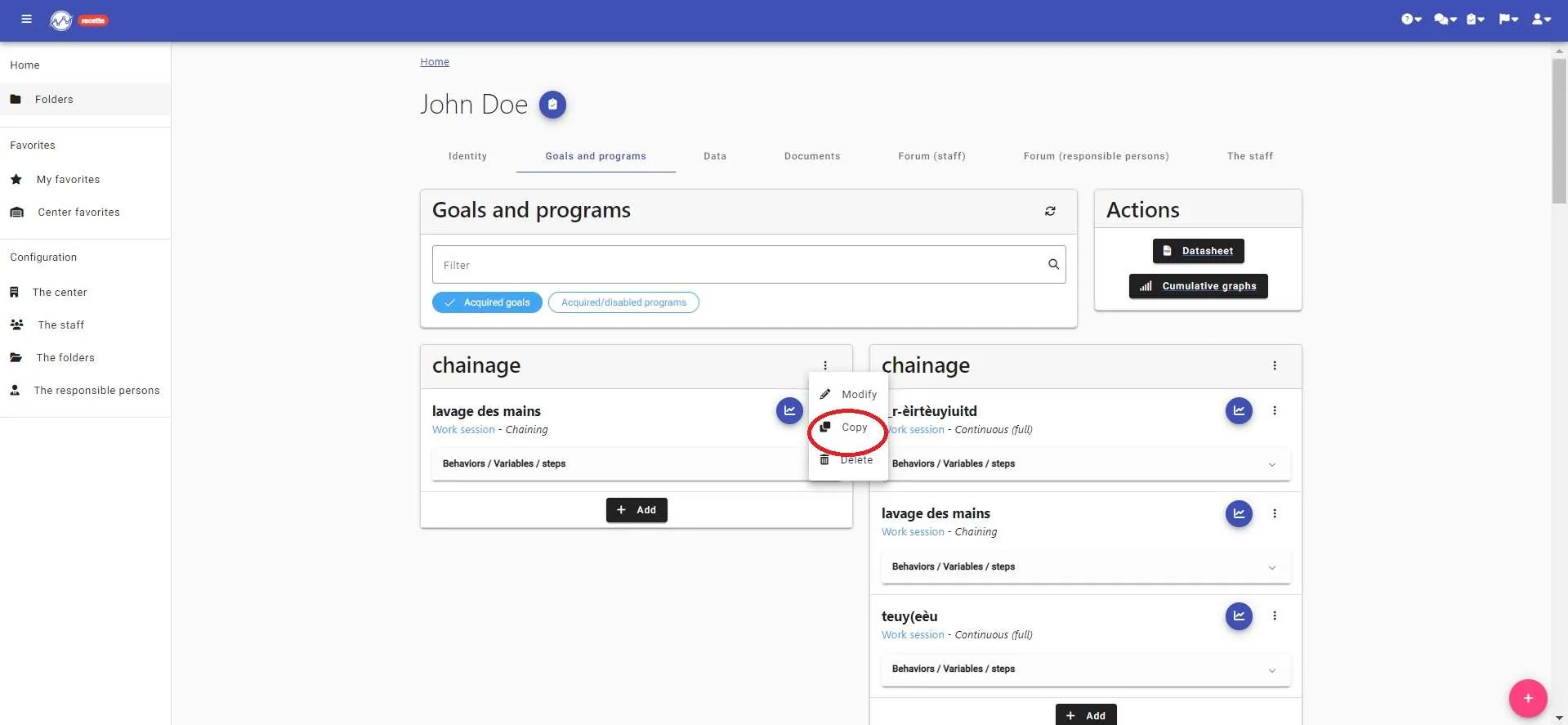
To do this, simply click on the three dots next to the goal or program to be copied and then click on “copy”.
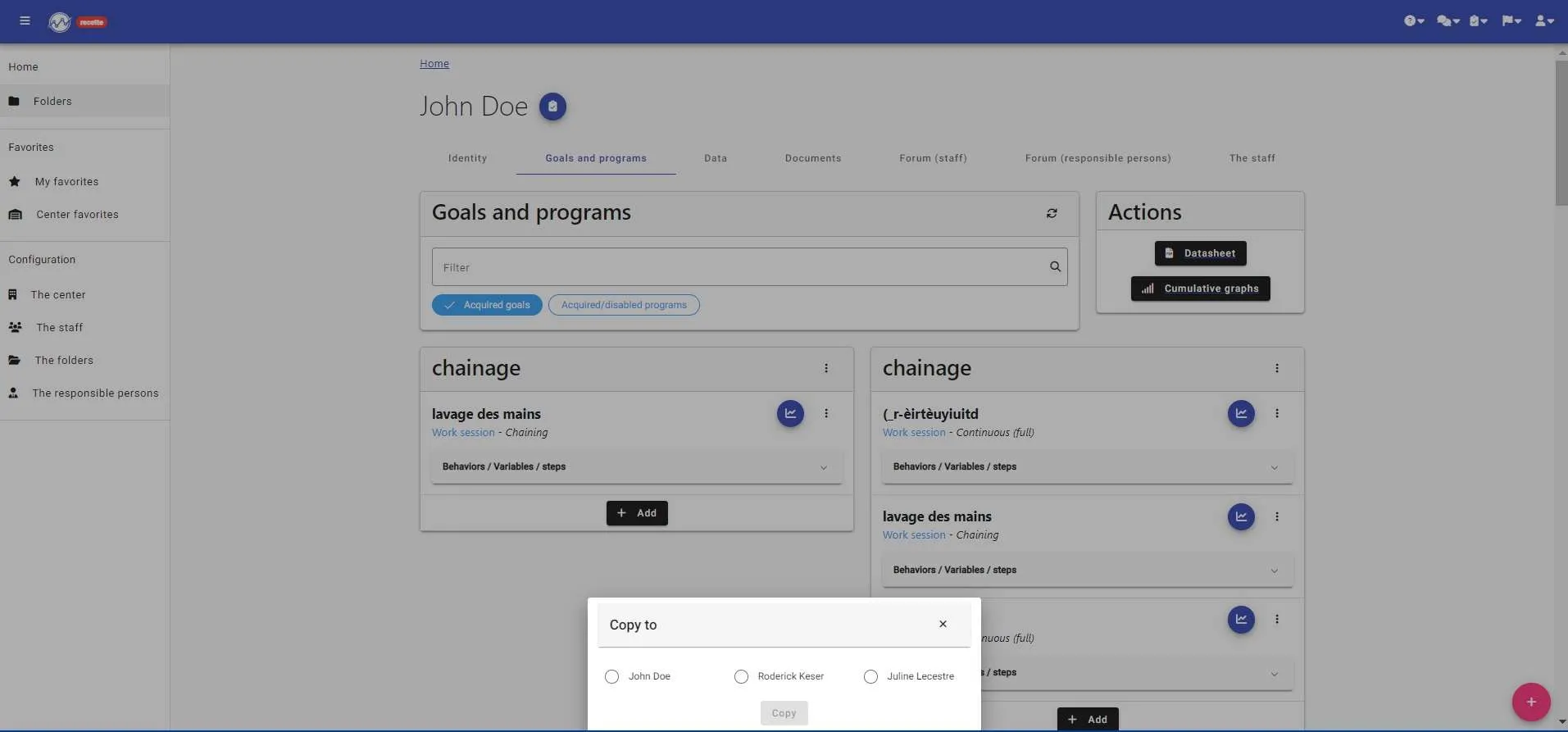
Select the folder where you want to paste your goal or program.
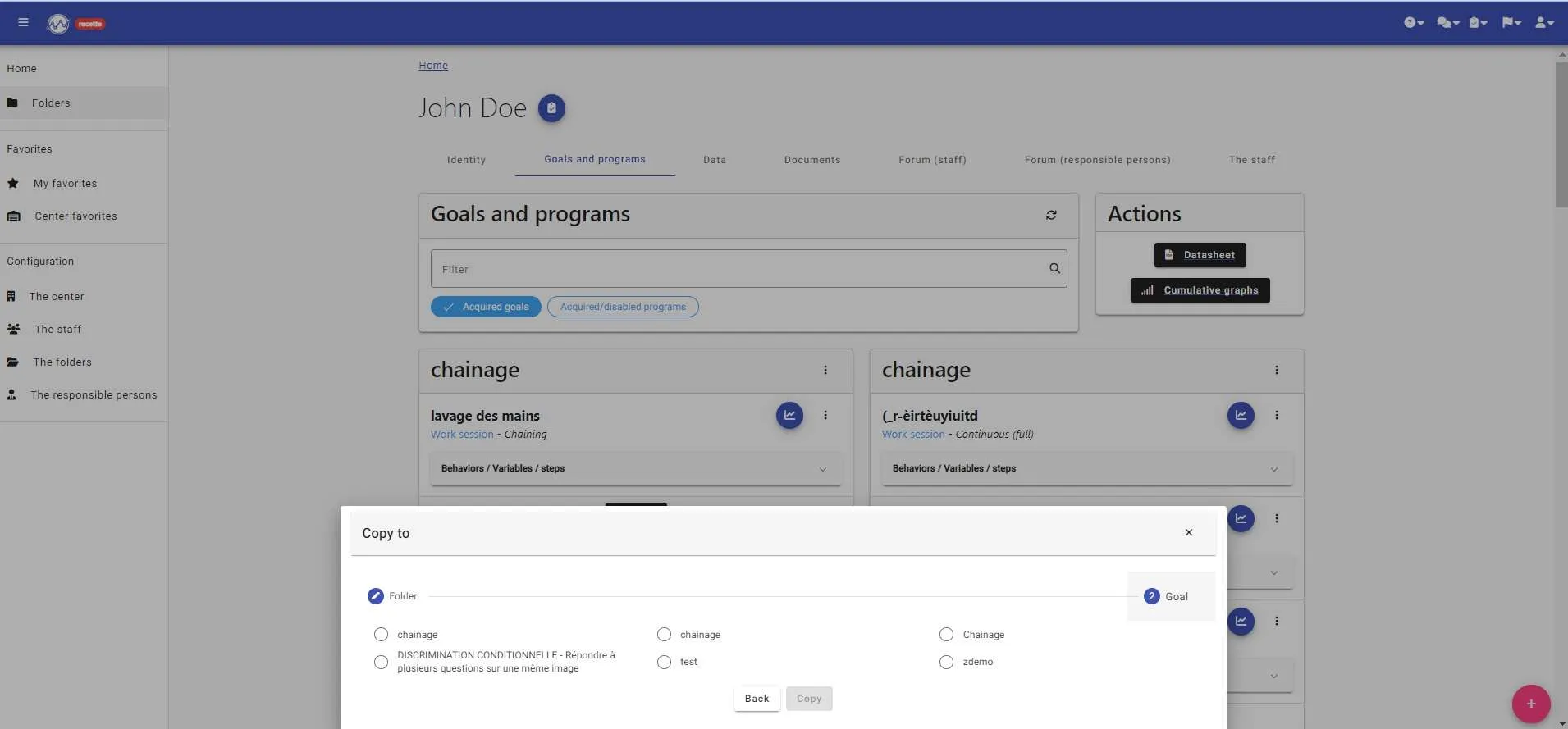
If it is a goal, you will now find it in the chosen folder.
If it is a program, it remains to select the reception goal.
YOUR OBJECTIVE IS NOW COPIED TO ANOTHER FOLDER!!!! !!!!
you just have to individualize it