
ABA-assistant offers several solutions to communicate more simply.
One of these solutions is the use of the general forum of the folder and program-specific forums by the professionals. You have access to a forum between professionals and responsible persons too.
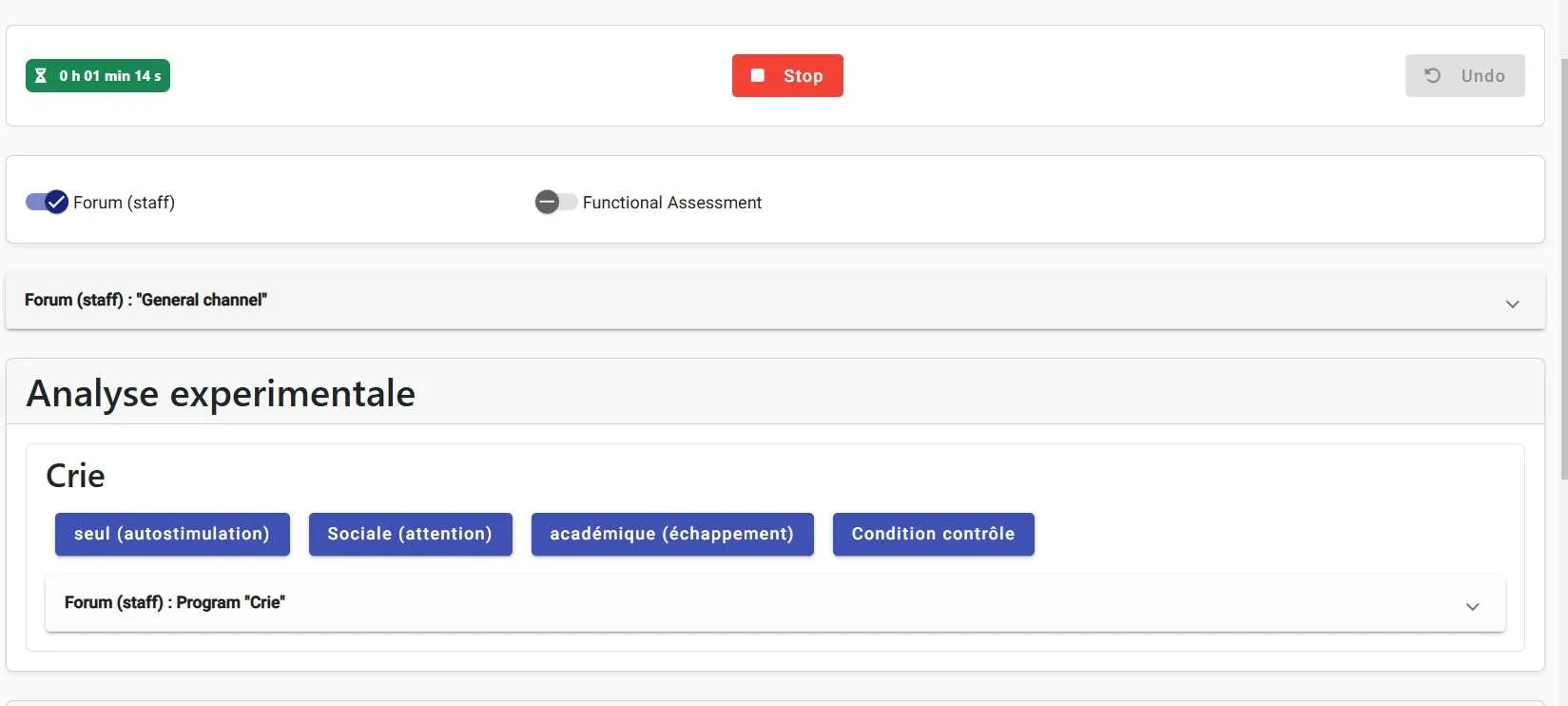
You can find and participate in the general forum and specific forums directly on the online clicker. No more risk of forgetting or missing important information.
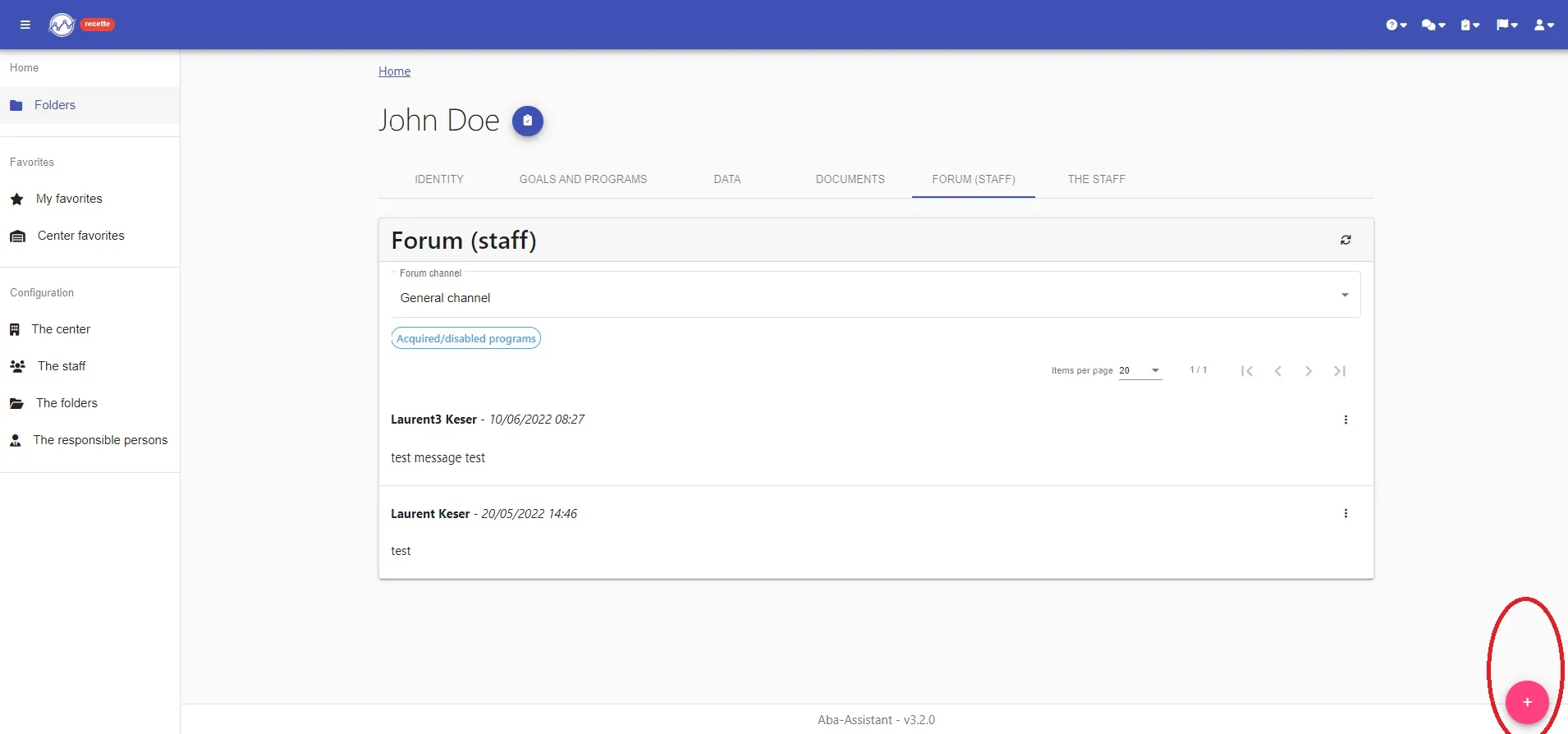
To use the general forum of the folder, you must go to the “Forum (staff)” tab. You arrive directly on the general forum which allows you to exchange various information about the folder.
To post a new message, all you have to do is click on the “+” button, then compose and post it.
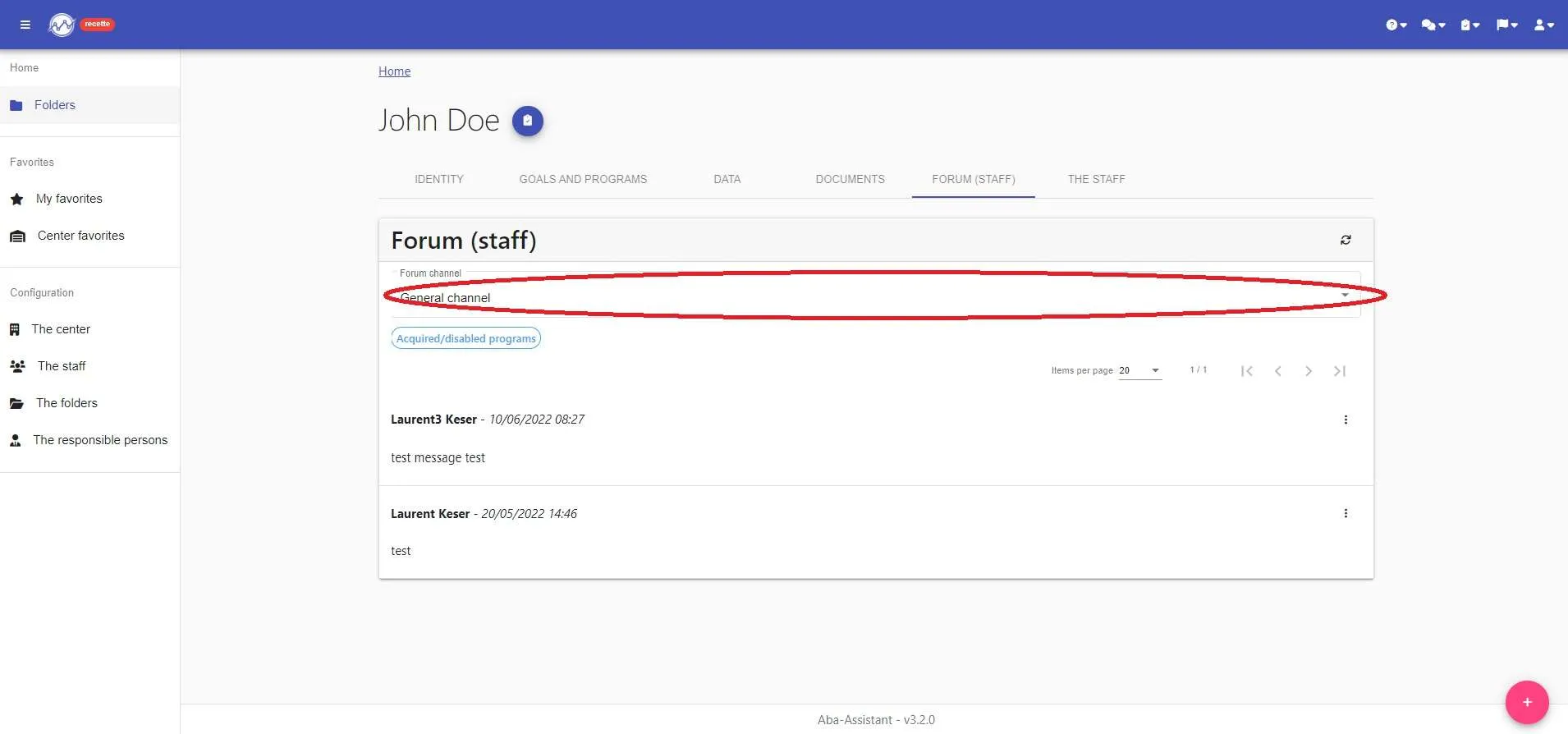
The specific forums allow the exchange of information directly related to the program (the program, reinforcers, questions from technicians, etc.)
To use a specific forum, two options:
1- Go to the “Forum (staff)” tab. You arrive directly on the general forum. You can then choose the specific forum of the desired program by clicking on “Forum channel”.
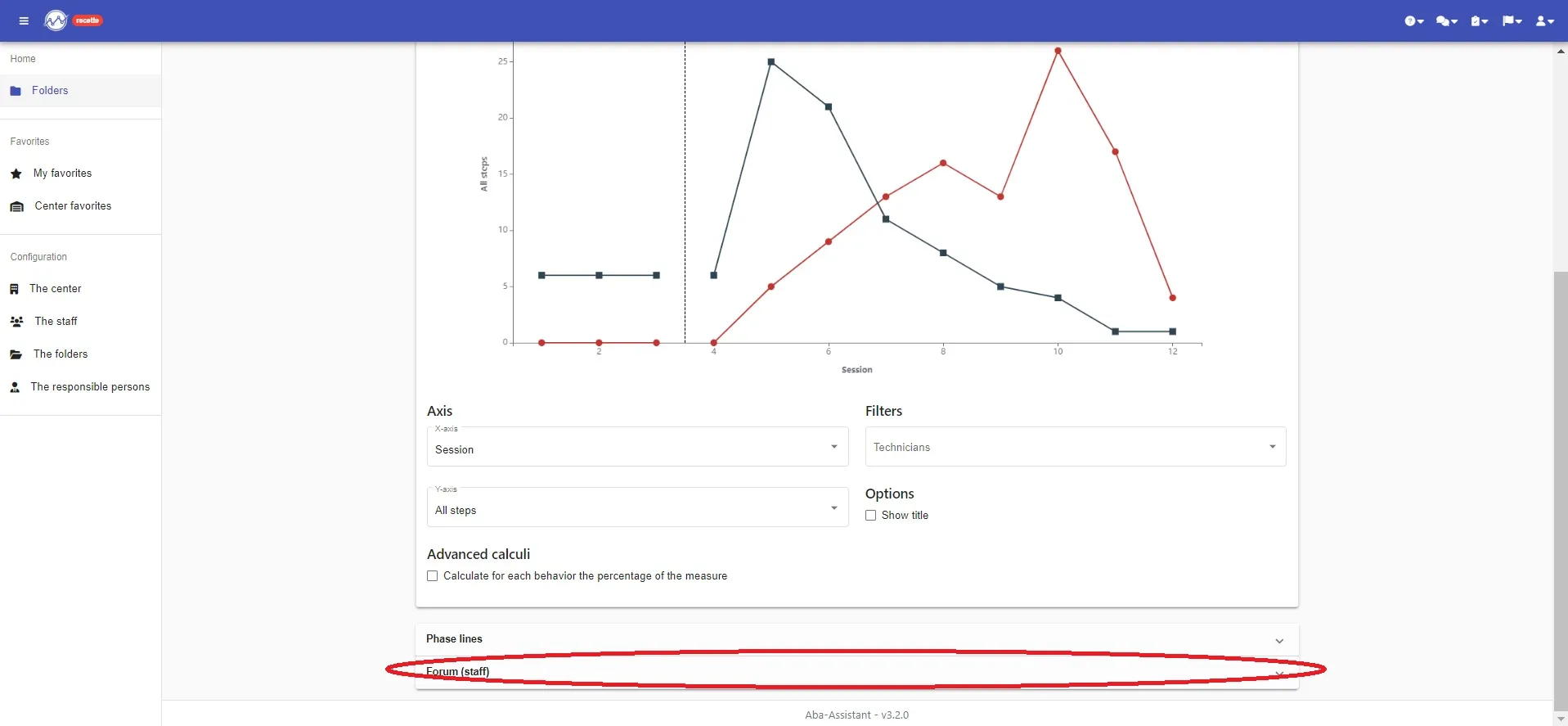
2- Directly under the graph to respond directly to the moment of your analysis!
NOW, YOUR MESSAGE IS POSTED !!!!
An easy and fast communication